Question
- Can a student choose their default language?
- How can a student choose which language they view my Thinkific site in?
Solution
To allow students to select their preferred language, you'll first need to adjust your site language settings. See how here: Support Multiple Languages
Then your student can choose which language they see any Default Text on a Thinkific site by updating their settings in their User Profile.
- Navigate to the User Profile
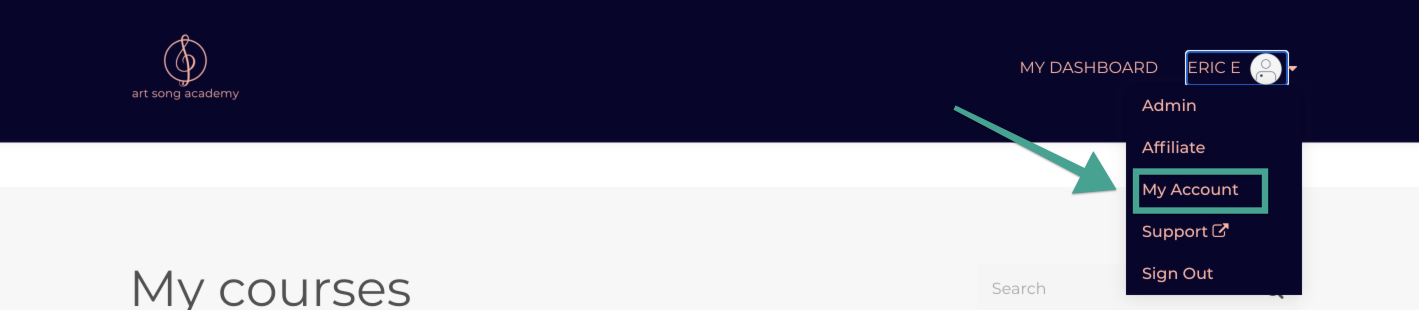
- Click My Account
- Change Site Language

Important Considerations
- This will only change the Default Text on the site. Any Course content or text included in Landing Pages will not be translated.